Return for refund within 30 days,buyer pays return shipping.
Read details »
Product Description
FAQs 0
Reviews 0
Related Products
Product Description
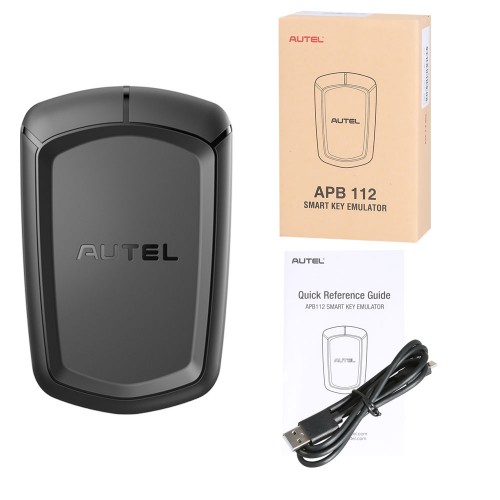
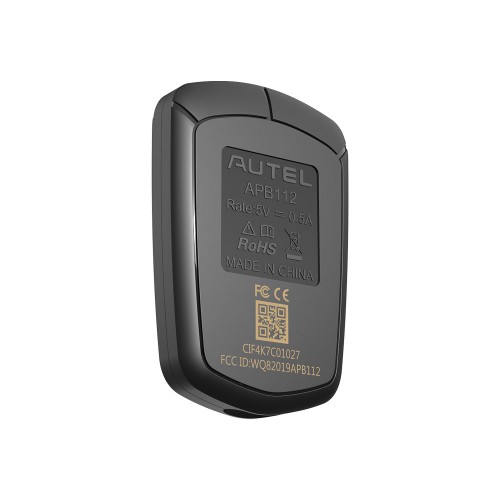
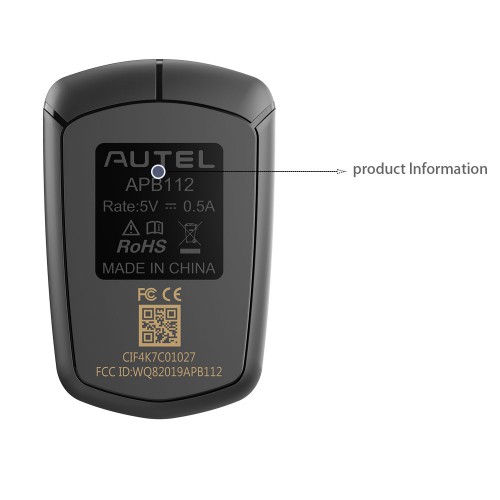
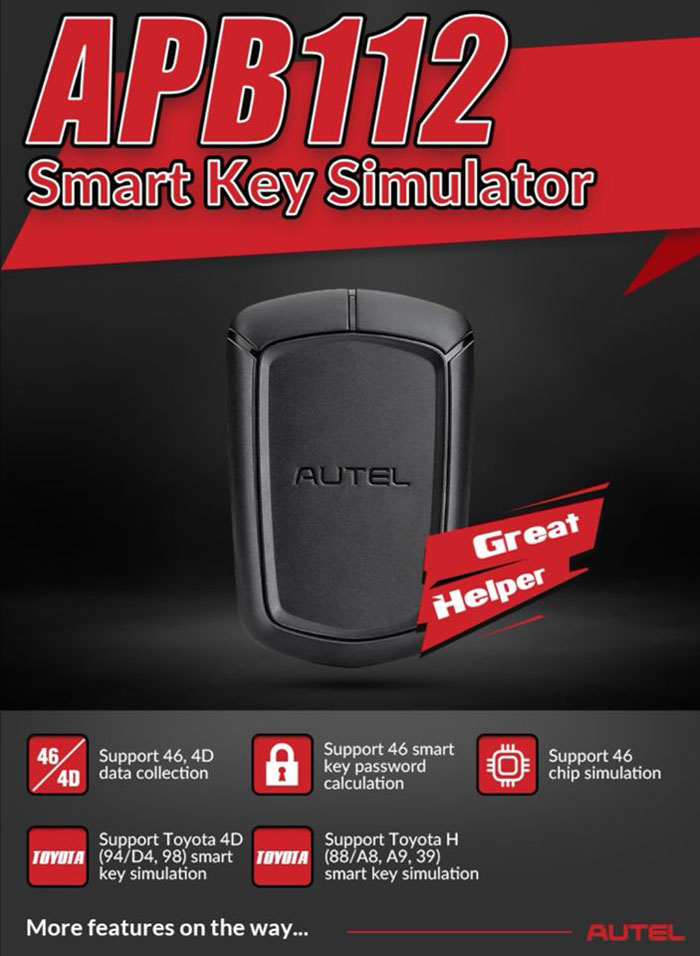
This is the Autel APB112 is a smart key simulator and is one of Autel’s accessories for the MaixIM line of tools that expands the tablets’ already significant coverage and functionality by enabling you to quickly. Add keys to Toyota and Lexus vehicles in an All Keys Lost scenario.
APB112 smart key simulator is designed to collect the data sent from the ignition coil, aiming to identify the ignition coil troubles and decode the data of the vehicle key chip. It can also simulate the vehicle key chip. Currently, it supports to simulate the 4D type chip and more key chip types will be supported with subsequent upgrades.
Autel APB112 Simulator supports following functions:
Smart key simulator
Compatible with IM608, IM508, IM608 Pro, IM608 II, IM508S, OTOFIX IM1, IM2
Compatible with XP400 for 4D transponder functions
46, 4D data collection
Smart key password calculation (Hyundai/Kia 46)
46 chip simulation
Toyota 4D (94/D4, 98) smart key simulation
Toyota H (88/A8, A9, 39) smart key simulation
Collects data from the ignition coil
Identifies ignition coil troubles
Decodes vehicle key chip data
Simulate vehicle key chip (ex - 4D chip)
Used with Autel diagnostic tool
Toyota/Lexus smart key all key lost
Chip decoding (Hyundai 46)
How does Autel APB112 Work?
Please Note:
The APB112 Smart Key Simulator needs to be used together with the Autel Diagnostic Device;
Do Not disconnect the USB Cable when in use;
If you try to use the Autel G-box with IM508, you need to have the XP400. Otherwise the Autel G-Box can not work with IM508;
Before operating or maintaining on this unit, please read the instruction carefully, pay extra attention to safety warnings and precautions.
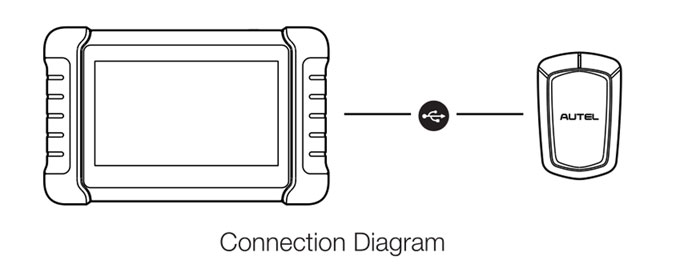
How to connect APB112 key simulator?
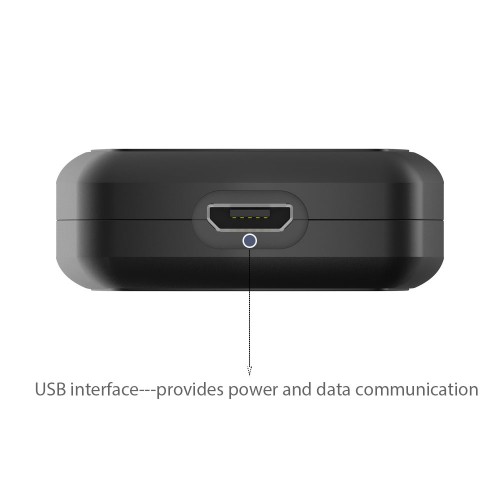
Connect the APB112 smart key simulator to Autel Diagnostic Device with the supplied USD cable;
Complete the connection, status indicator lights solid blue, indicating that the APB112 smart key simulator is working properly. Then it will communicate with the diagnostic device automatically.
According to the selected vehicle system function, the APB112 smart key simulator application is automatically upgraded on the Autel diagnostic device;
In order to decode the chip, please place the smart key simulator close to the ignition coil for data collection. After decoding, the original car chip data can be copied;
The emulator key chip can generate various types of key chips by performing subsequent upgrades as needed.