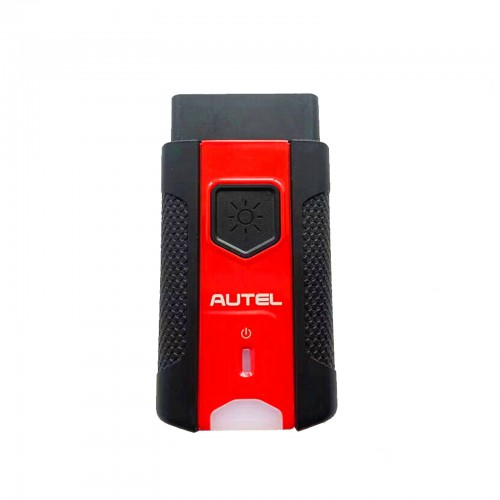
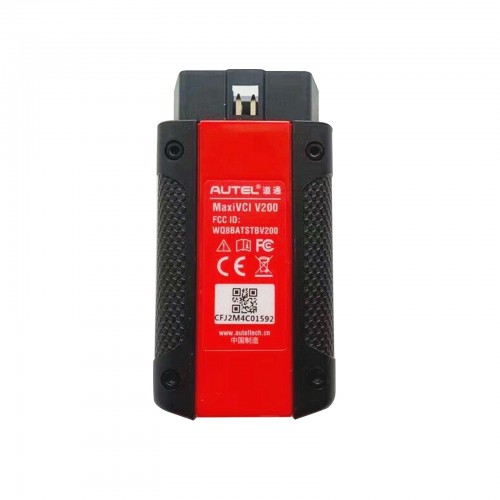
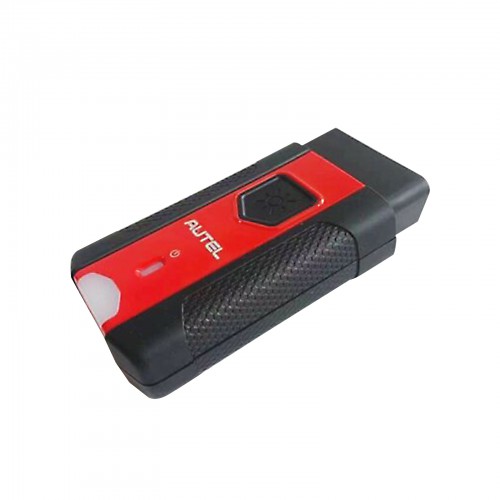
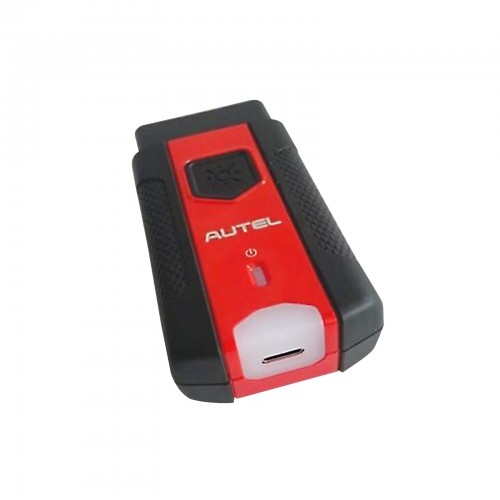
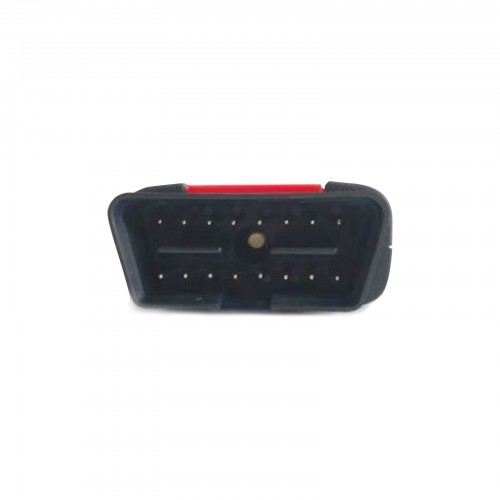
Autel MaxiVCI VCI200 Bluetooth DoIP CAN FD Vehicle Communications Interface
The MaxiVCI VC200 is a replacement Bluetooth vehicle communication interface. This is an optional Bluetooth VCI adapter for the MaxiSys series of tools and a replacement dongle for the MaxiBAS and new MaxiSys tools.
The VCI200 has a reduced footprint, includes the latest protocols (CAN-FD, DoIP), and has and LED to easy finding the OBD2 port under dark dashes.
Highlights:
-
Lightweight Vehicle Connection Interface (VCI)
-
Compatible with the current line of Autel MaxiSys Diagnostic Tablets: MS906Pro, MS906Pro-TS, MS909, MS919, Ultra, As well as: MS906TS, MK908, MS908, MS908S Pro, MS908 Pro and MK908P. Wirelessly connects vehicle ECU to MaxiSYS tablets supporting Bluetooth MaxiBAS BT608, MaxiBAS BT609, ITS600, ITS600Pro .Autel MaxiIM series IM508/IM608. (Note: Not compatible with Auro IM500/IM600)
-
Supports the latest OBD2 Protocols: DoIP and CAN-FD (4-pin sets).
-
Without out CAN-FD adapter for your JVCI to do CAN-FD.
-
Wirelessly connects vehicle ECU to MaxiSYS tablets supporting Bluetooth.
-
Built-In Battery, Internet Update, User Friendly
-
Supports comprehensive diagnosis and reading of control modules
-
Ultra-fast OBDII-port communication within 75 feet
-
can be used as J2534 passthru for OEM programming (Download MaxiSuite on Autel's website)
 The VCI200 supports DoIP and CAN FD (4-pin sets) and is compatible with the following:
-
BT608
-
BT609
-
ITS600
-
KM100
-
MS906BT, requires updates from 2022 or newer.
-
MS906TS, requires updates from 2022 or newer
-
MS908 / MS908s, requires updates from 2022 or newer
-
MS908p / MS908sp, requires updates from 2022 or newer
-
Elite, requires updates from 2022 or newer
-
MaxiADAS, requires updates from 2022 or newer
-
MS906Pro
-
MS906Pro-TS
-
MS909
-
MS909
-
Ultra

Support CAN FD & DO IP New Protocols
Autel MaxiVCI V200 supports DoIP and CAN FD (4-pin sets) protocols, covering more models. The data transfer rate is up to 5Mbit/s, speeding up data transfer and scanning all vehicle systems quickly. VCI200 also supports CAN, EOBD, OBD, OBDII interfaces to cover more cars both old or new.

Specifications
|
Communications
|
USB 2.0
|
|
Wireless Frequency
|
2.4 GHz
|
|
Input Voltage Range
|
6-36 VDC
|
|
Supply Current
|
150 mA @ 12 VDC
|
|
Operating Temperature
|
-10°C to 60°C (ambient)
|
|
Storage Temperature
|
-40°C to 80°C (ambient)
|
|
Built-in Battery
|
3.7V Lithium Battery
|
|
Light
|
White LED
|
|
Warranty
|
1-Year Manufacturer Limited Warranty
|

VCI LED Description:
|
LED
|
Color
|
Description
|
Power LED
|
Yellow
|
The VCl is powered on and performing self-check,
|
|
Green
|
The VCl is ready for use.
|
|
Flashing Red
|
The firmware is updating.
|
|
Vehicle/Connection LED
|
Green
|
Solid Green: The VCI is connected via USB cable.
Flashing Green: The VCl is communicating via USB cable.
|
|
Blue
|
Solid Blue: The VCI is connected via Bluetooth.
Flashing Blue: The VCI is communicating via Bluetooth.
|

General Notice:
The new, ultra-compact MaxiVCI V200 features the latest advances in wireless Bluetooth connectivity. It has been carefully designed and tested to comply with OBDII protocols. However, some vehicle models are not in full compliance with these protocols for various reasons. In addition, the computer control systems or sensors on any given vehicle may be malfunctioning.
While Autel's testing and the experiences of the users have shown the unit to be safe and reliable, there is an inherent risk in using any product that may potentially affect the operation or drive-ability of your vehicle.
If you are concerned about the operation of your vehicle at any time while using the MaxiVCI V200
1. Pull off the roadway immediately or as soon as it is safe to do so.
2. Disconnect the device from the OBDII port.
3. Consult a licensed mechanic or automobile service center.
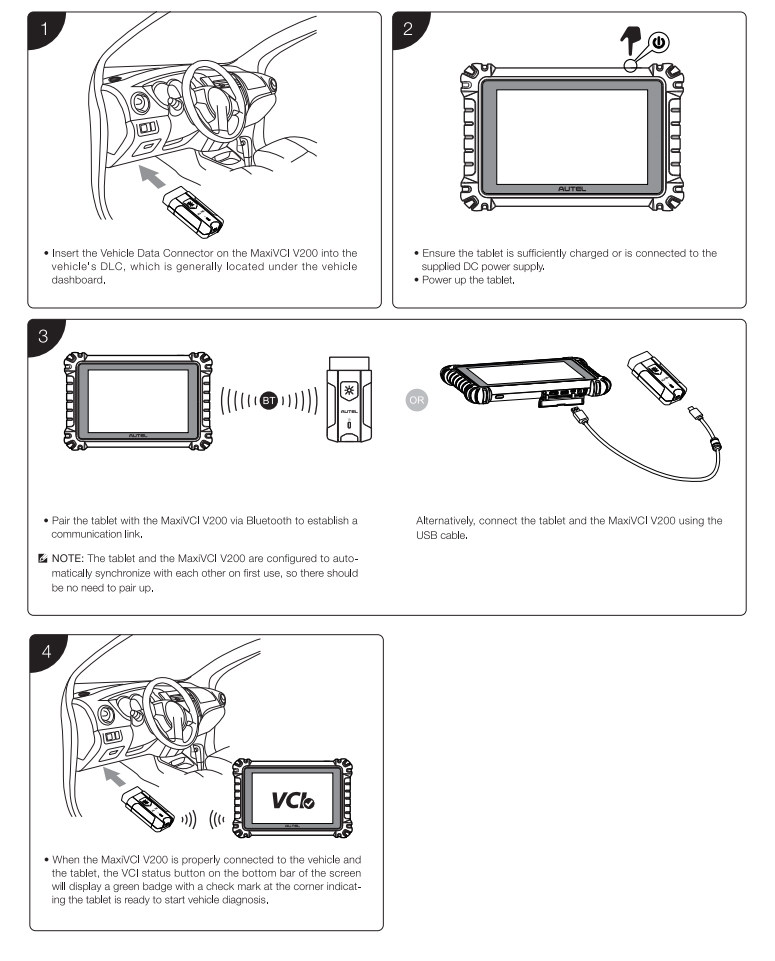
How to connect the vehicle and the scanner?
The Wireless Diagnostic Interface MaxiVCI V200 supports 2 communication methods with the scanner: Bluetooth and USB.
Divided into three steps:
-
1.Insert the Vehicle Data Connector on the MaxiVCl V200 into the vehicle's DLC
-
2.Ensure the tablet is sufficiently charged or is connected to the supplied DC power supply,
-
Bluetooth Connect:
-
Pair the scanner with the MaxiVCl V200 via Bluetooth to establish communication link (Select VCI Manager to automatic pair)
-
Cable Connect:
-
Connect the scanner and the MaxiVCl V200 using the USB cable.

Packing List
1pc x Autel MaxiVCI V200