





.jpg)
.jpg)
.jpg)
.jpg)
.jpg)
.jpg)
Software download link: https://en.cnlaunch.com/download
PC Software Interface Description:
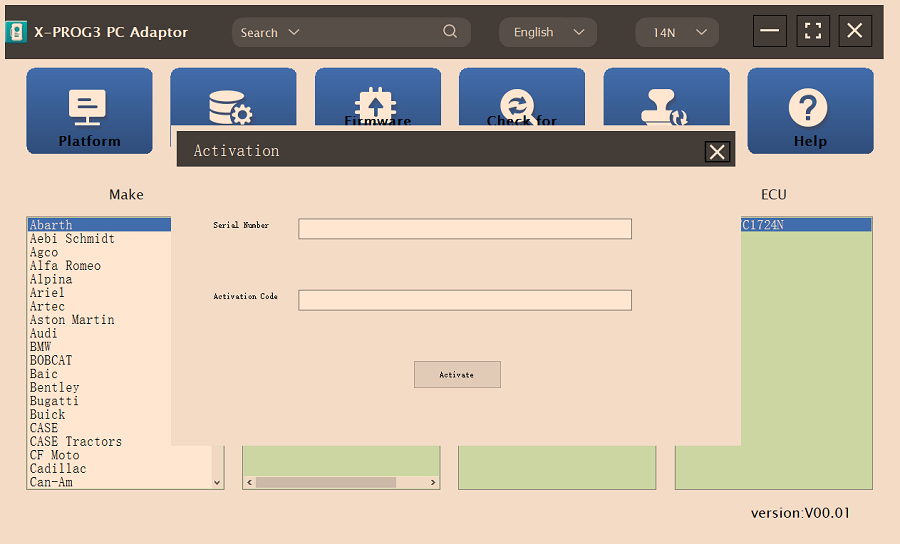
Firstly, connect the X-PRO G3 PC ADAPTOR to the computer using a cable, and then connect the X-PROG3 PC ADAPTOR to G3. Secondly, click to enter the software (without connecting the X-PROG3 PC ADAPTOR and G3, the software cannot be accessed). The serial number will be automatically recognized from the X-PROG3 PC ADAPTOR. The activation code needs to be obtained from the envelope of the X-PROG3 PC ADAPTOR. Thirdly, click [Activation] (only once, no need to activate it again later), as shown in Figure 1
I.ECU Data Reading/Writing
1. Obtain the related ECU.
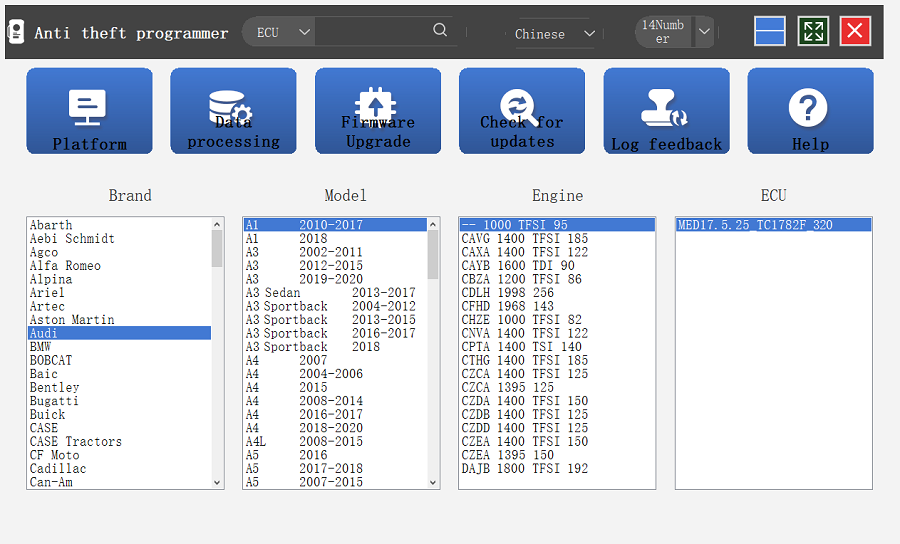
(1) Method 1: Obtain the desired ECU type through brand > model > engine > ECU in turn, as shown in Figure 2.
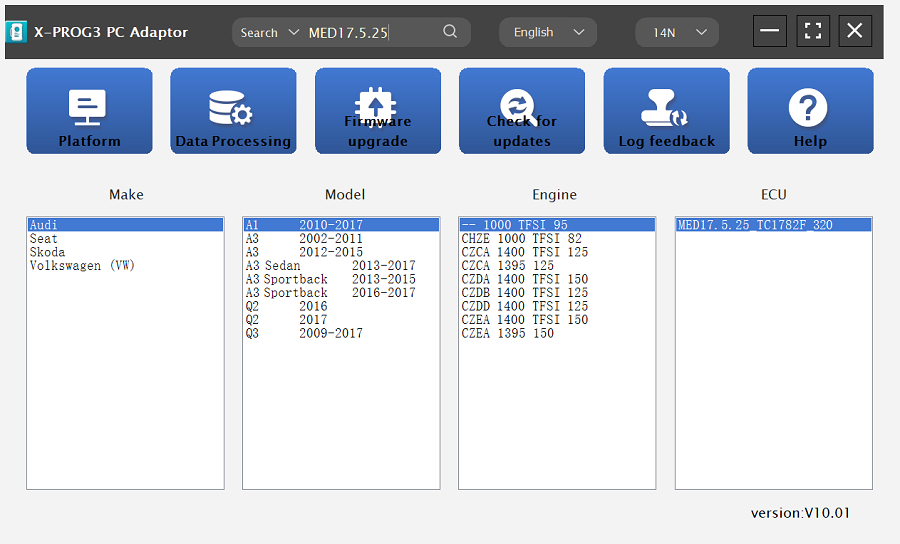
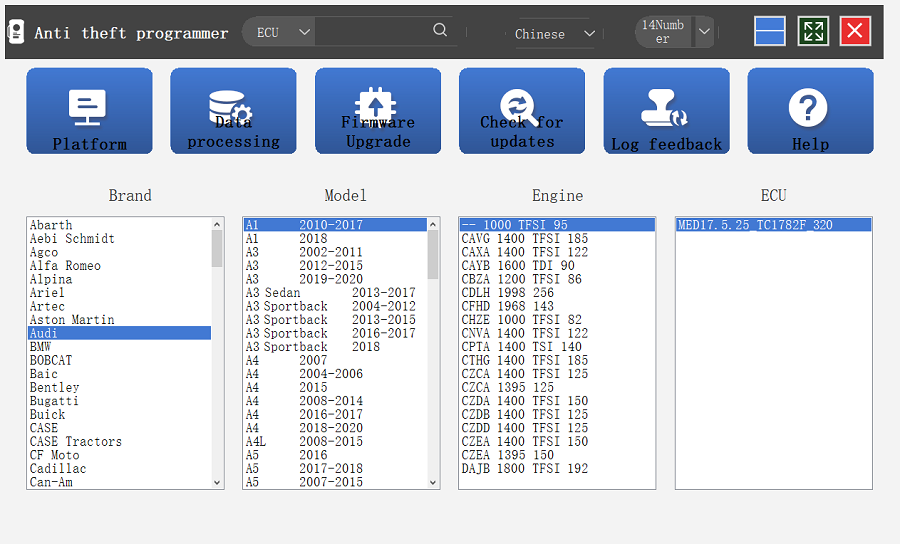
(2) Method 2: Query the desired ECU by entering a value in the search box. The search categories include brand, Bosch number and ECU type. For example, search for the MED17.5.25 engine by ECU type, as shown in Figure 3.
2. Click [Straight Connection Line Diagram] to obtain the ECU connection diagram, as shown in Figure 4.
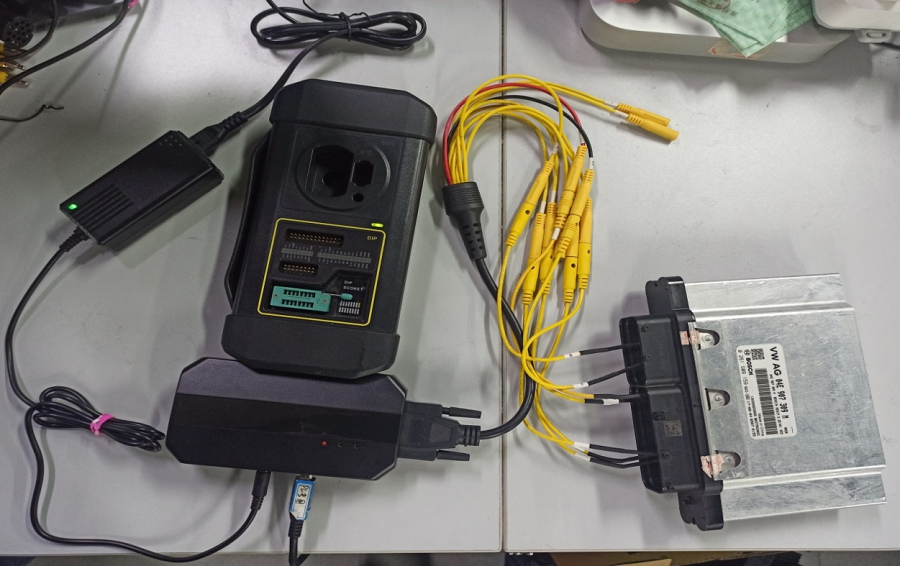
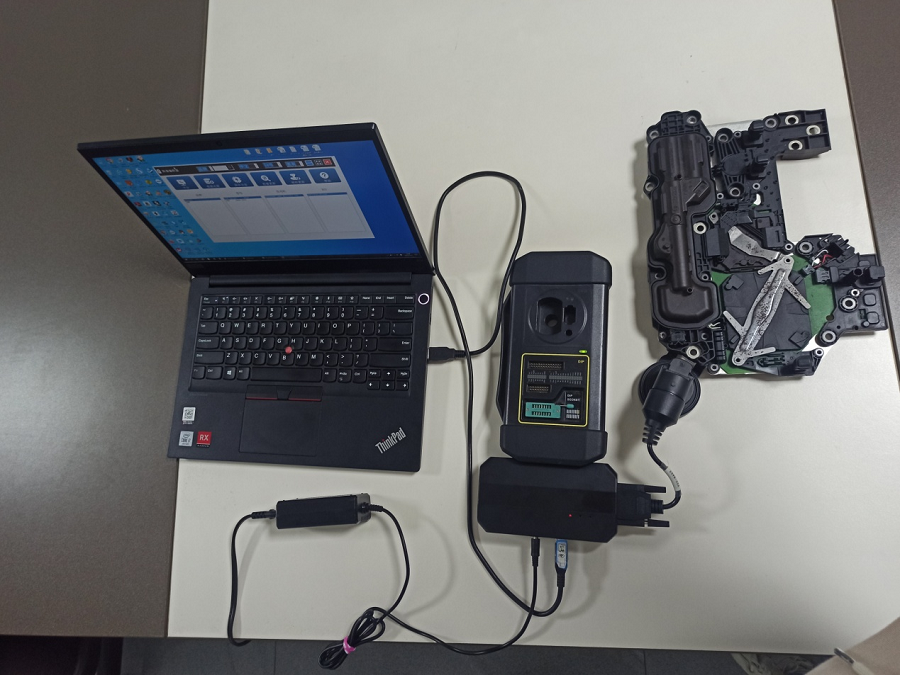
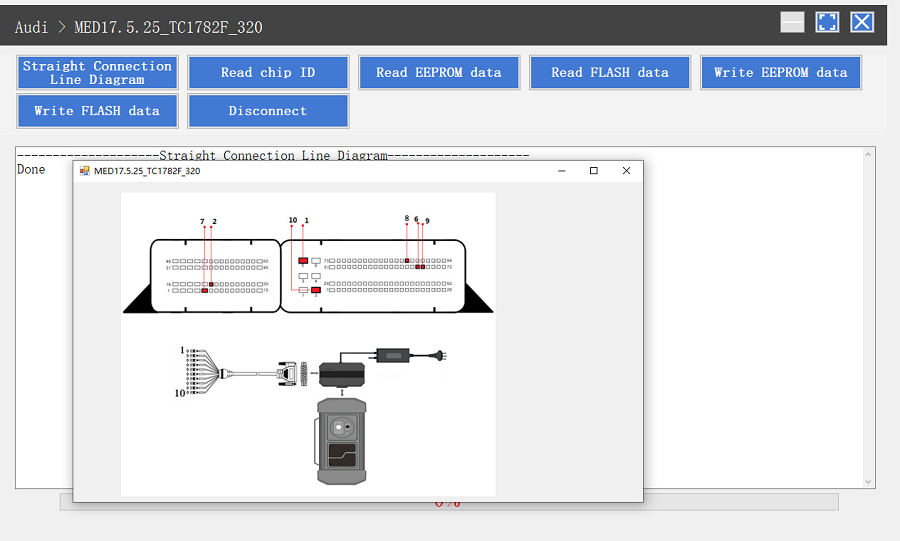 3. Connection: Connect the ECU and PCBOX according to the information provided in the connection diagram. The physical connection diagram of MED17.5.25 (using the BENCH mode line) is shown in Figure 5, and the physical connection diagram using the gearbox adapter is shown in Figure 6.
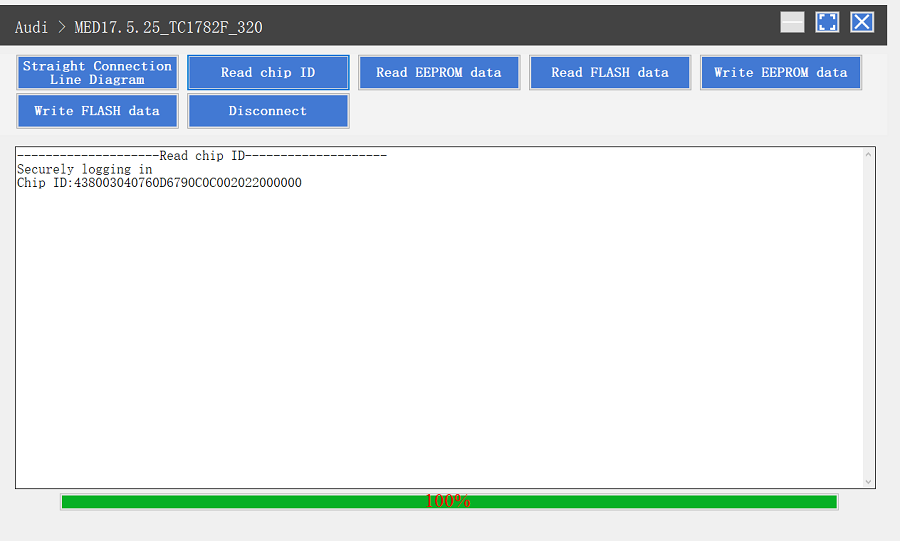
4. Read the chip ID, as shown in Figure 7.
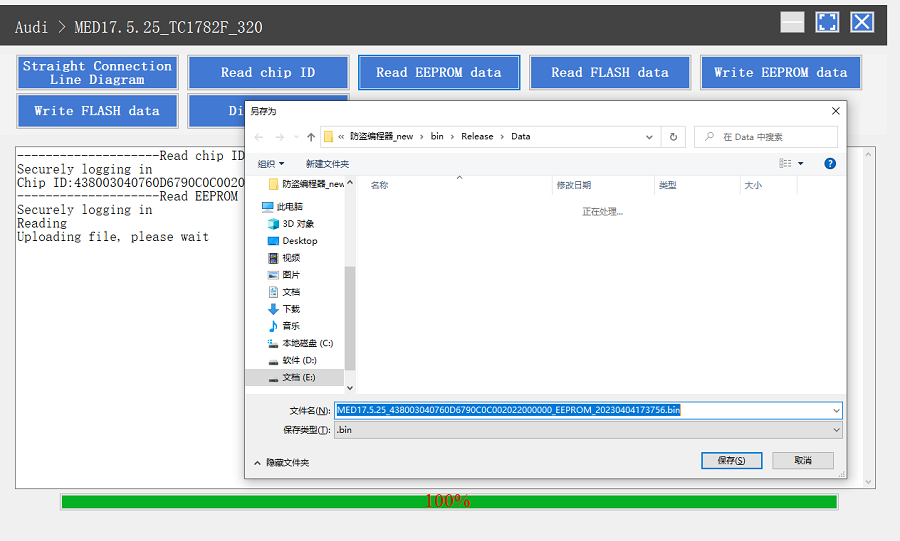
5. Back up the EEPROM data and save it, as shown in Figure 8 (the figure shows the save page of the read data).
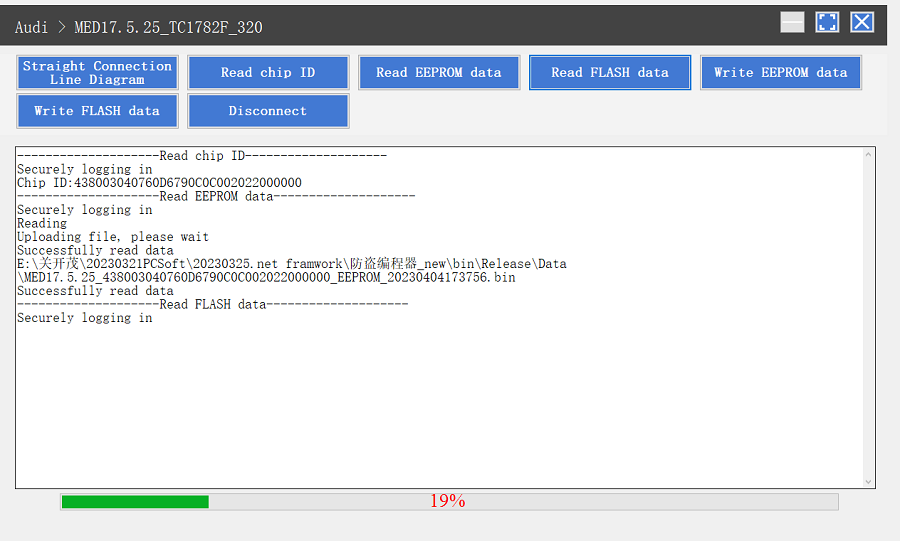
6. Back up the FLASH data and save it, as shown in Figure 9 (the figure shows the process of reading FLASH data).
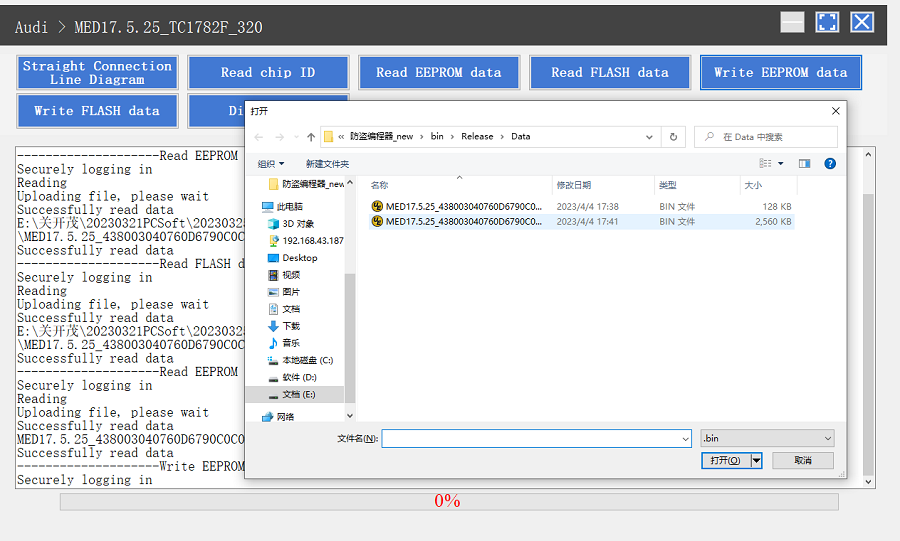
7. Restore EEPROM/FLASH data, as shown in Figure 10 (the figure shows the file selection page).
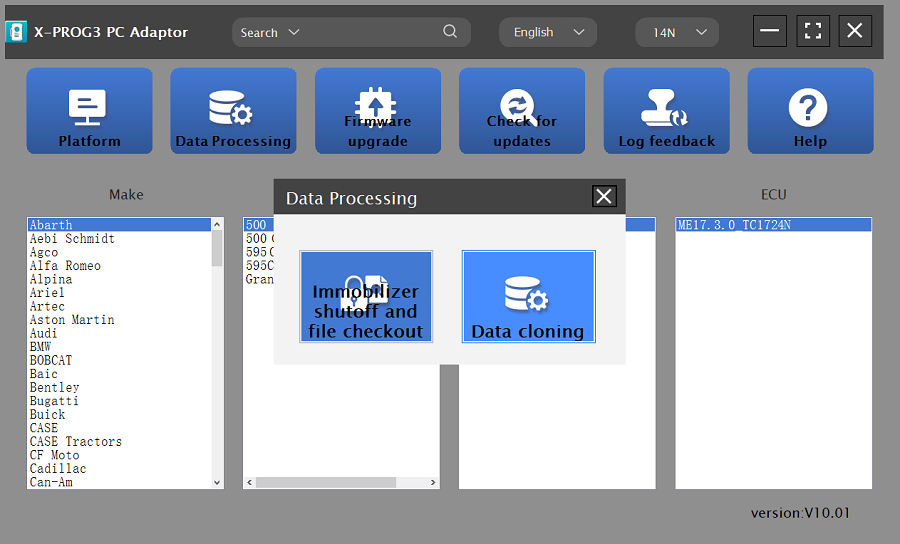
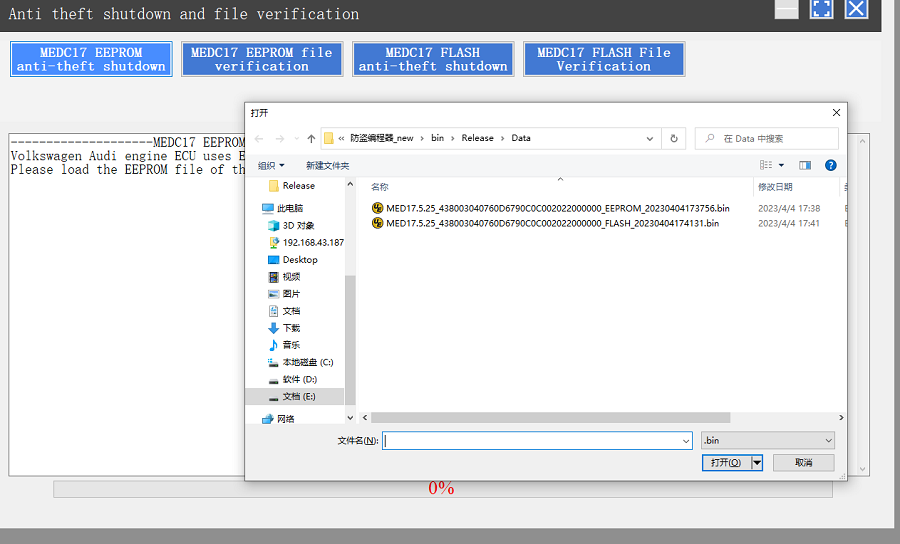
2. File verification and anti-theft shutdown (process: select file > connect network to obtain > save file), as shown in Figure 13.